HallRoster Book a demo

Know who’s out. Know where they’re going.

HallRoster swaps the paper hall pass for a quick sign-out on the classroom Chromebook, so every student in the hallway is accounted for.

Active passes LIVE
JE Jordan Example
Room 101 → Library
TRAVELING3:34
RS Riley Sample
Room 214 → Nurse
ARRIVED6:42
SP Sam Placeholder
Room 118 → Restroom
TRAVELING1:35
AT Avery Test
Room 305 → Main Office
REVIEW12:51

Example data · fictional students

How it works

Out and back in three taps.

Every classroom Chromebook becomes a sign-out station. Students handle their own pass, and staff see the whole hallway in real time.

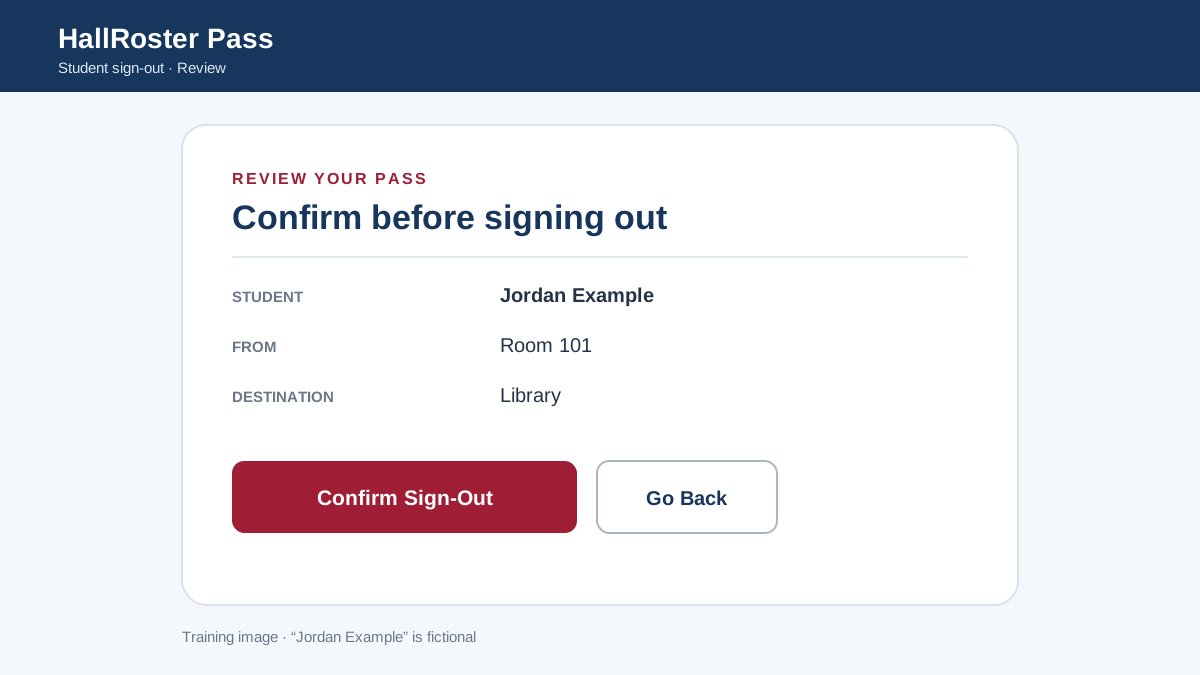
HallRoster Pass screen where a fictional student confirms a pass from Room 101 to the Library Step 1

Sign out

The student picks their name and destination, checks the pass and confirms. No paper to lose or forge.
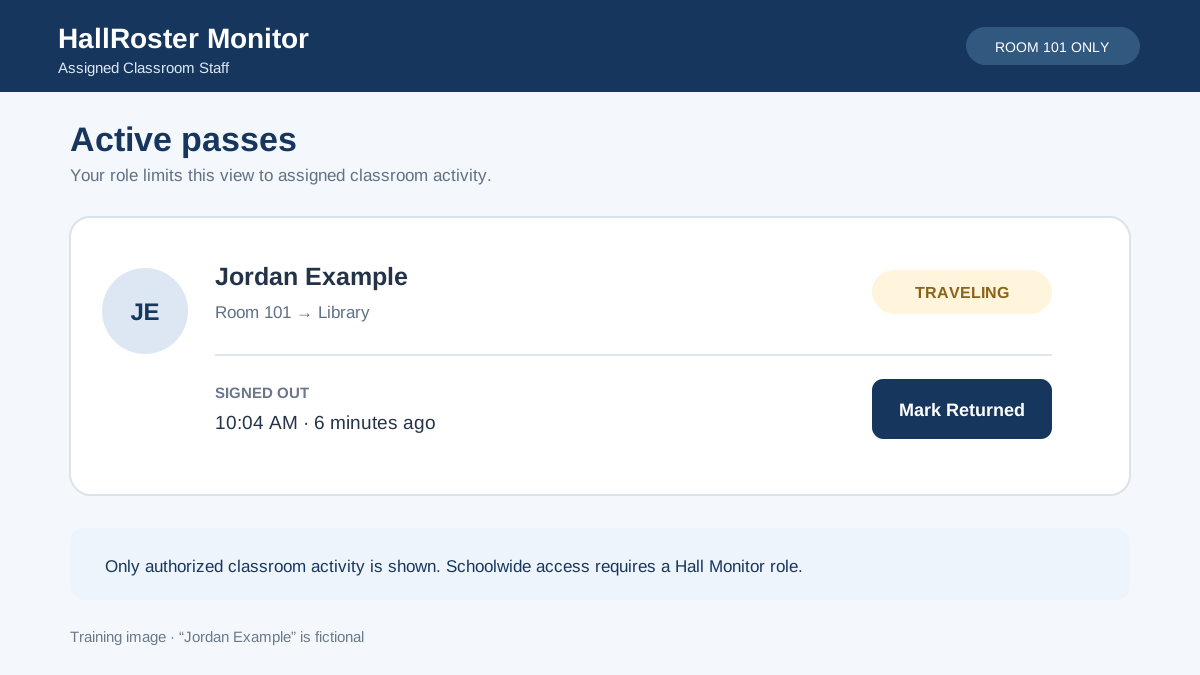
HallRoster Monitor screen showing one fictional student traveling to the Library Step 2

See who’s out

Teachers and hall monitors see each active pass, where it’s headed, whether the student has arrived and how long they’ve been gone.
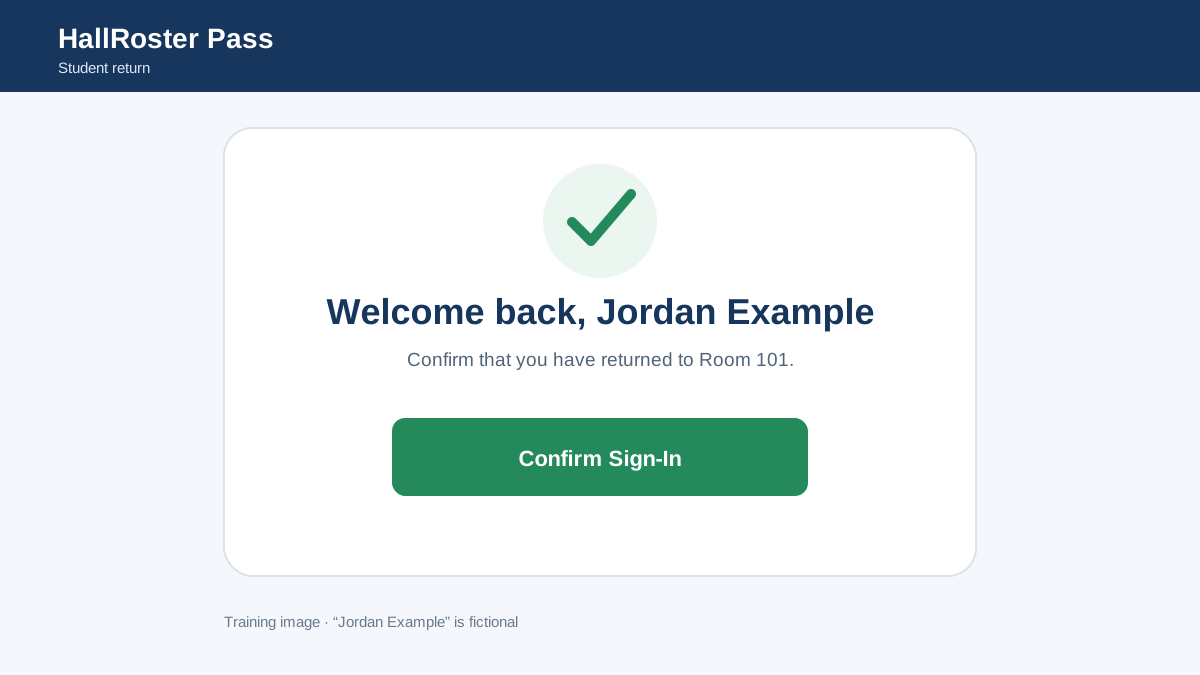
HallRoster Pass screen welcoming a fictional student back to Room 101 Step 3

Back in class

The student signs back in on the same Chromebook. Every trip is saved for reports and follow-up.

Features

Everything a school needs to manage hallway traffic.

Real time

A live view of the hallway

Every active pass in one place, marked Traveling or Arrived, with elapsed time. Search by student, classroom, destination or note.

Hall monitors

Photos that confirm who’s who

Private student photos help staff check identity at a glance. Initials appear when there’s no photo.

Sign-out

Digital passes

Students sign out and back in on a dedicated classroom Chromebook. One active pass per student, always.

Schedules

Bell-schedule aware

Passes follow your bell schedule and calendar changes. Open passes close automatically at the end of the day.

Destinations

Every trip, tracked

Each pass records the room a student left and where they went, with warning times you set per destination.

Reports

Patterns you can act on

Search pass history and export to CSV by student, class, destination or time of day. Over-time alerts flag what to review, without assuming a student did anything wrong.

Oversight

One dashboard for the building

Administrators see every classroom and hallway, manage stations and roles, and keep a full audit trail of changes.
Built for the whole school

Simple for students. Clear for staff.

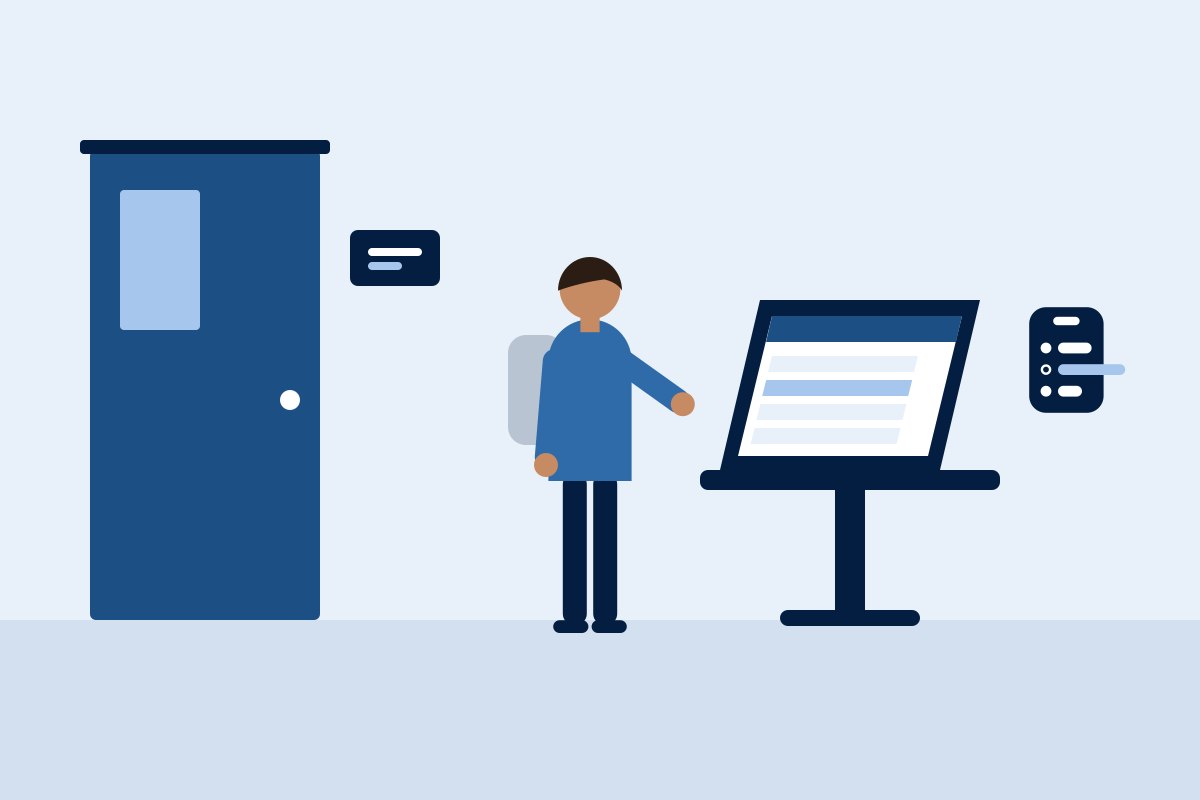
Illustration of a student signing out at a classroom Chromebook station

For students

Ask the teacher, tap your name and destination, and go. Signing back in takes one tap on the same Chromebook.
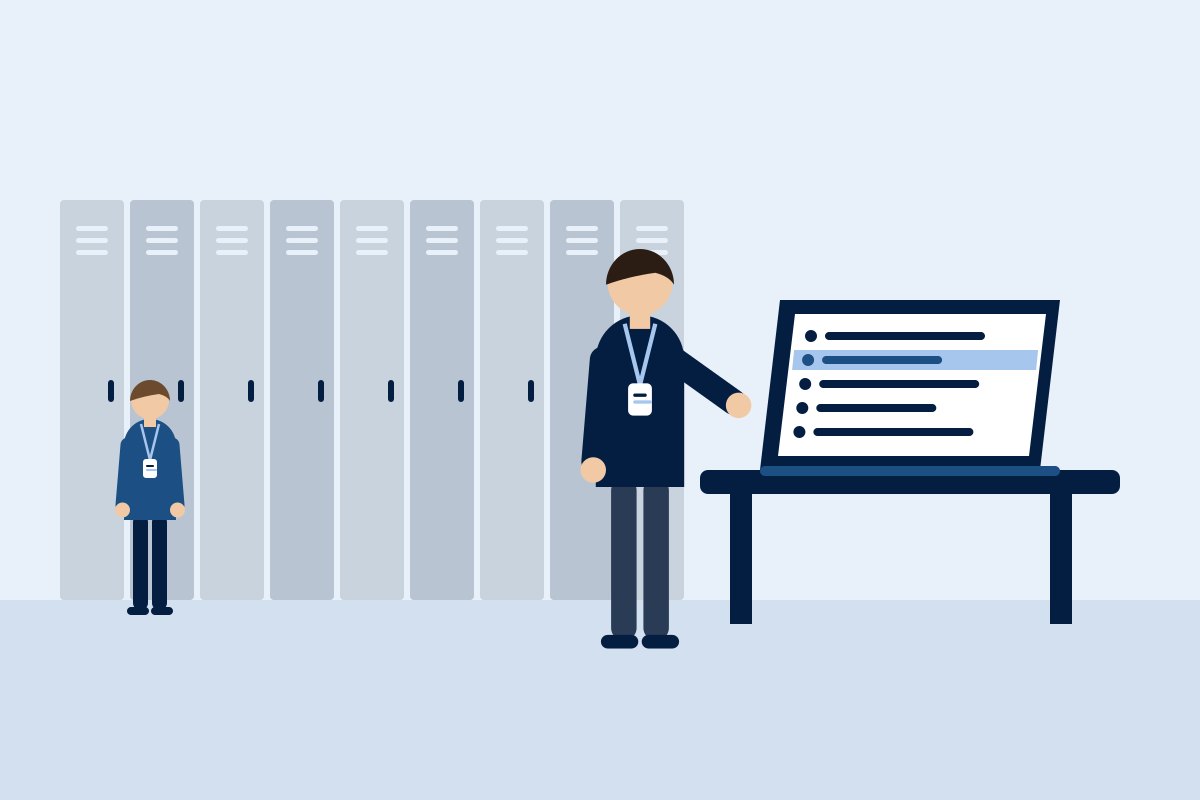
Illustration of a hall monitor checking the HallRoster dashboard in a hallway

For hall monitors

See every student in the hallway, mark arrivals and returns, create a pass for a student already out, and filter for anyone over time.

For teachers

No more paper sign-out sheets. Assigned Classroom Staff see only their own room’s passes.

For administrators

Rosters, bell schedules, stations, roles and reports, all in one admin console.

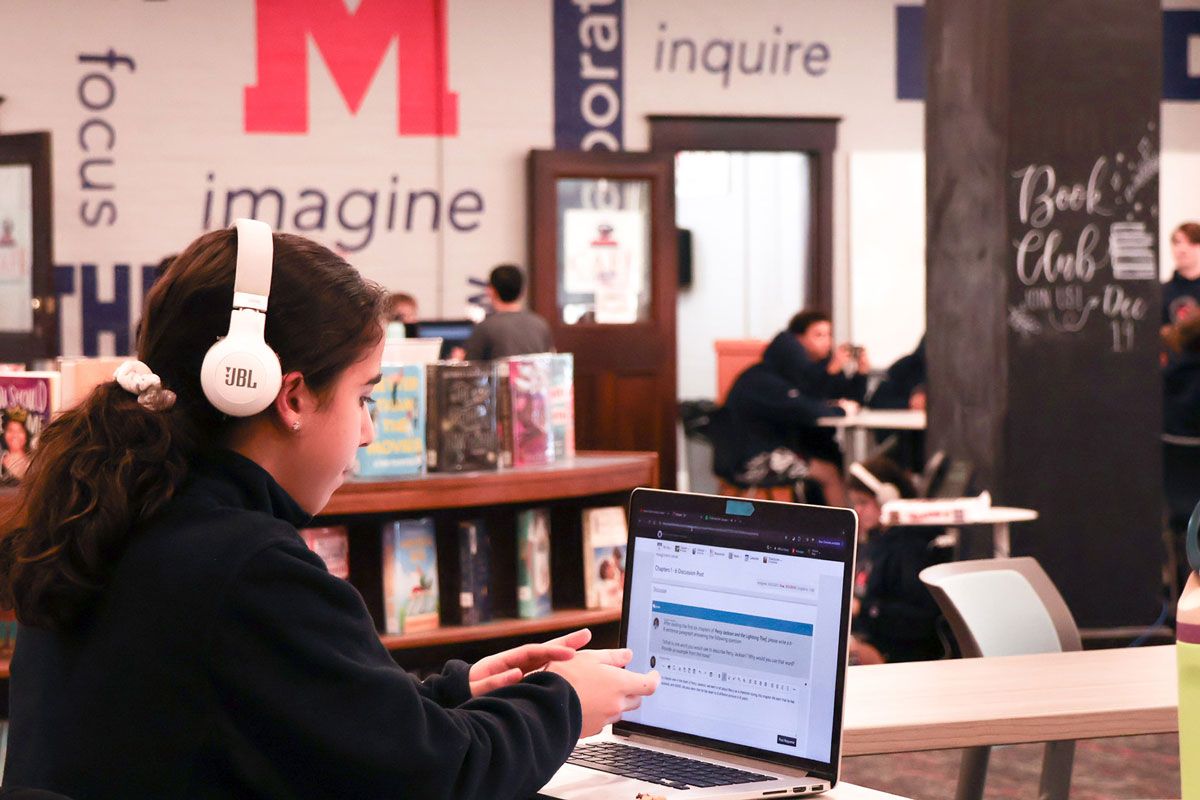
Mount Saint Charles Academy students working together on laptops
For schools

Running in your building within weeks, not semesters.

HallRoster runs in the cloud on the Chromebooks your classrooms already have. Staff sign in with your school’s Google accounts, and there is nothing to install on school servers.

  1. Talk with us

    We learn how your building handles passes today.

  2. Set up your school

    Import your roster by CSV, then add rooms, destinations and bell schedules.

  3. Enroll stations

    A six-digit setup code links each classroom Chromebook to its room.

  4. Train your staff

    Short walkthroughs for teachers, hall monitors and administrators.

  5. Go live

    Students sign out at the station. Staff follow every pass live.

Student privacy

Privacy built in from day one

  • Role-based access. Administrator, Hall Monitor and Assigned Classroom Staff each see only what they need.
  • Private photos. Kept in private cloud storage and shown only to authorized staff during an active pass.
  • Audit log. Every change to a pass or roster is recorded.
  • Careful sign-in records. The login log keeps no passwords, tokens or IP addresses.
Admin console

Tools for the front office

  • Pass history search, CSV export and reports
  • Bell schedules and calendar changes
  • Station management: enrollment, device revoke, online status
  • Your school’s branding and editable FAQs
  • A built-in System Health check

Pricing that fits your school.

Pricing depends on the size of your school. Tell us about your building and we’ll send a quote.

Get a quote
Mount Saint Charles Academy

HallRoster at Mount Saint Charles Academy.

Mount Saint Charles Academy is the first school to use HallRoster. Its teachers and staff helped shape how it works. These steps come from the HallRoster help guide used at Mount Saint Charles Academy.
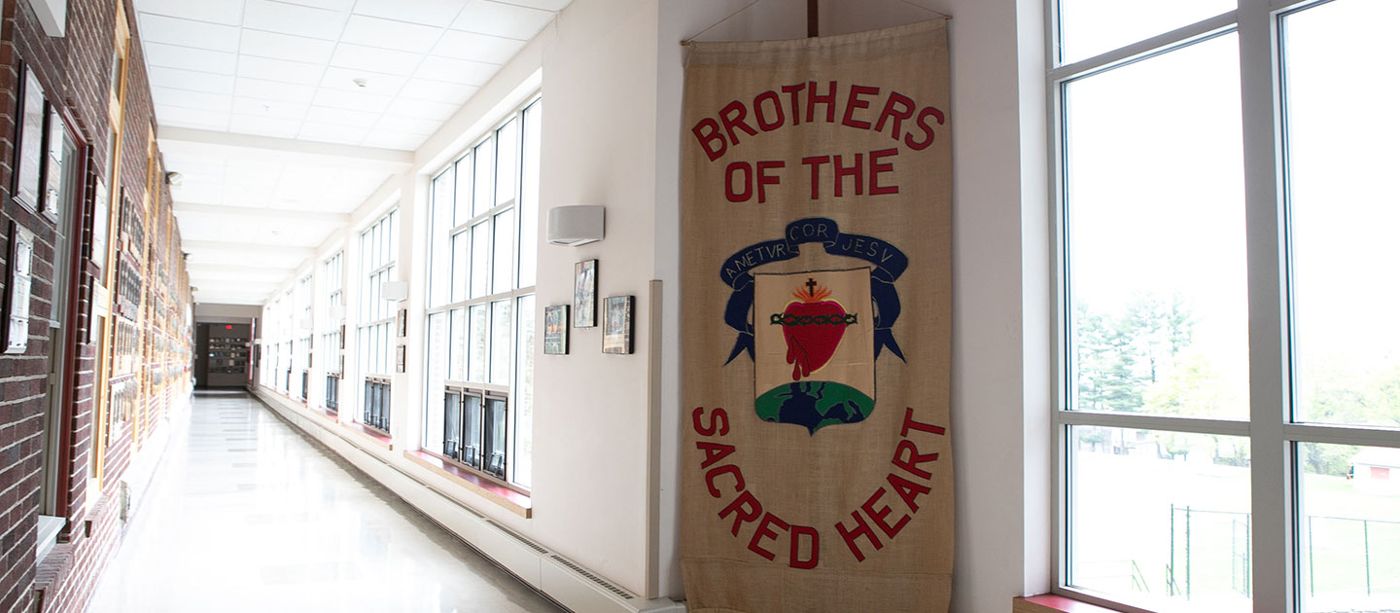
A long, sunlit hallway at Mount Saint Charles Academy with the Brothers of the Sacred Heart banner
The hallways HallRoster was built for. Photos courtesy of Mount Saint Charles Academy.

Students SIGNING OUT

  1. Ask your teacher before you leave.
  2. On the classroom Chromebook, select your name and where you are going.
  3. Check your request and confirm your sign-out.
  4. Go straight there and come straight back.
  5. Sign back in on the same Chromebook when you return.

Teachers BEFORE CLASS

  • Make sure the classroom Chromebook is set up and shows the right room.
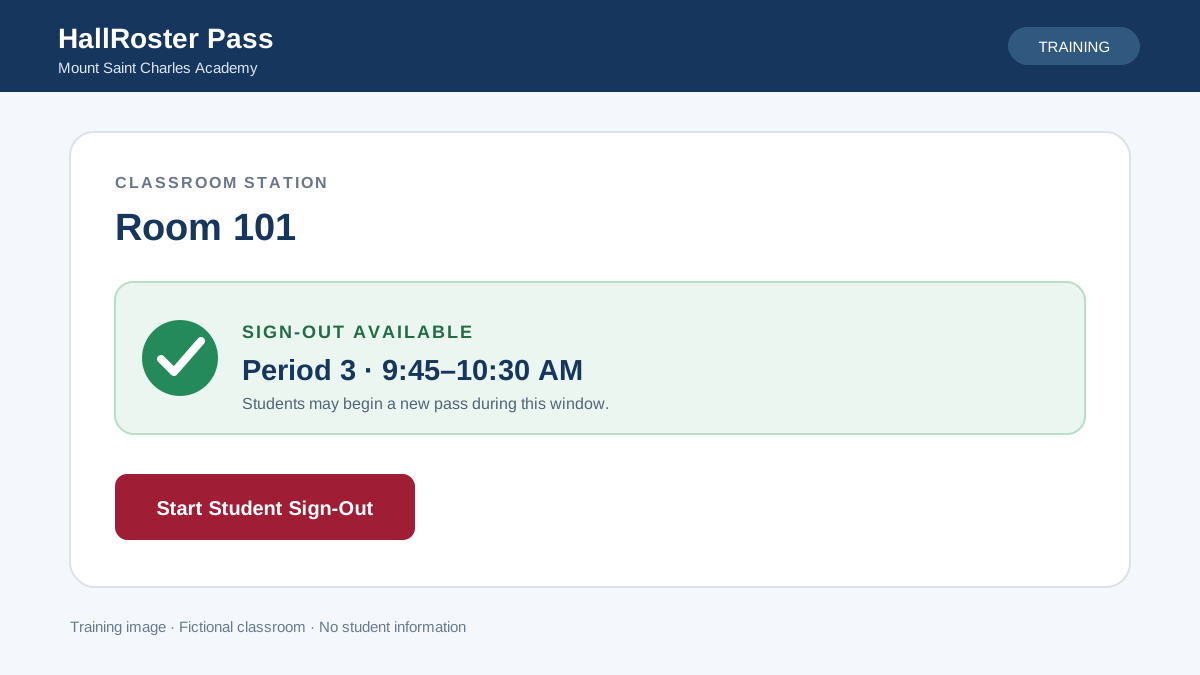
  • Check that it shows the current period, or “Sign-Out Available” with its time window.
  • If sign-out is unavailable, don’t clear browser data or re-enroll the Chromebook. Contact an administrator.
  • At the end of the day, open passes close and are marked “Did Not Sign Back In.”

Hall monitors

  • Search by student, classroom, destination or note.
  • Mark a student Arrived or Returned, create a pass for a student already in the hall, or change a pass. Every change goes to the audit log.
  • Over-time alerts help you decide what to review. On their own, they don’t mean a student did something wrong.
HallRoster Pass classroom station showing Room 101 with Sign-Out Available for Period 3
What a ready station looks like. Training image with a fictional classroom.
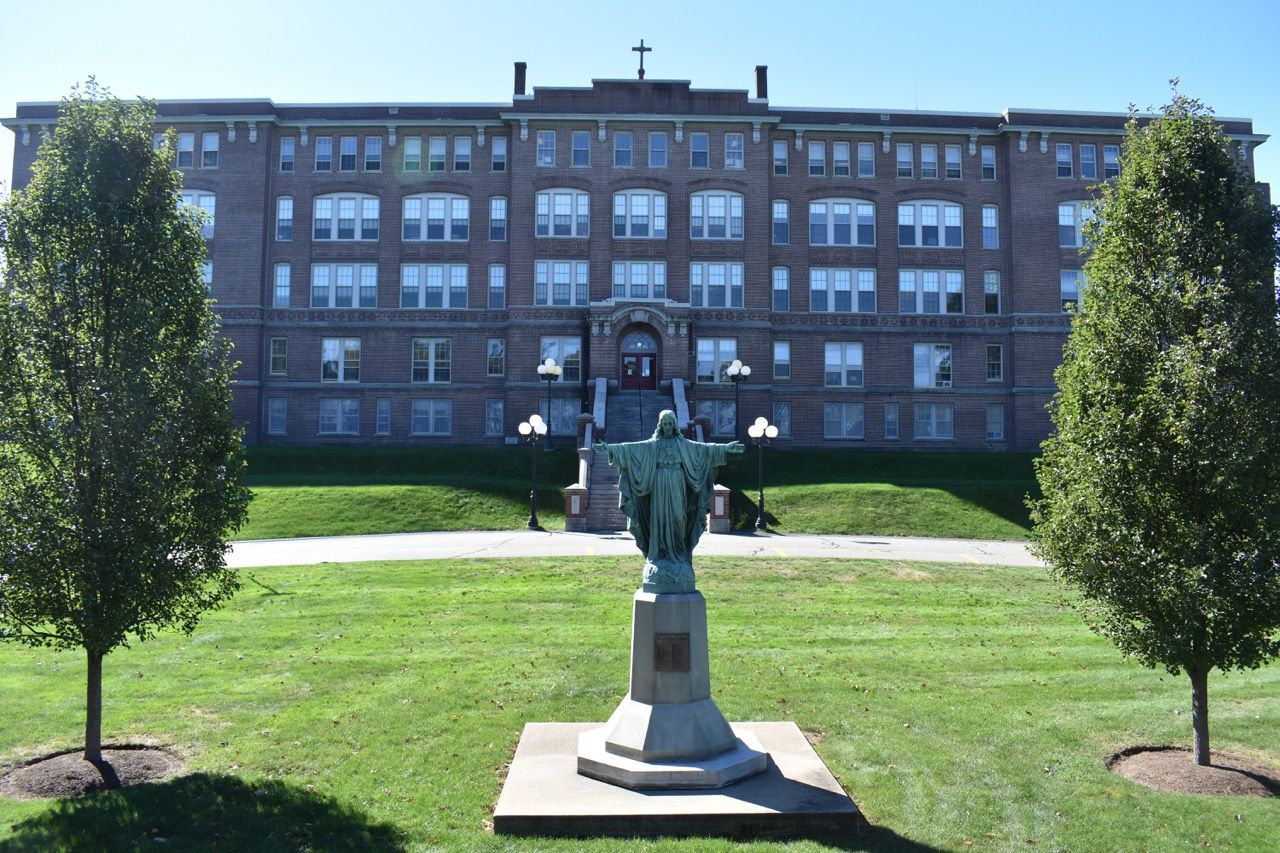
A Mount Saint Charles Academy student working on a laptop in the library The Mount Saint Charles Academy building in Woonsocket, Rhode Island
Privacy at Mount Saint Charles Academy Use your Mount Saint Charles Academy Google account only. Don’t share setup codes, downloaded reports, student photos or screenshots through unapproved channels.
Need help? Contact the Mount Saint Charles Academy Technology Department through the school’s help desk process. Staff login: [staff login link to be added] Visit mountsaintcharles.org
About

Made by CloudForce Technologies.

People | Solutions | A Brighter Tomorrow

HallRoster is a CloudForce Technologies product, developed in partnership with Mount Saint Charles Academy in Woonsocket, Rhode Island, where it was designed and tested in real classrooms and hallways.

Visit cloudforcetech.com

Book a demo

Bring HallRoster to your school.

Tell us about your building and we’ll set up a walkthrough for your team.